Photo2Pixel
Turn photos into pixel art locally in your browser with adjustable style mode, pixel size, and edge density.
Click or drag an image here
PNG, JPEG, WebP · Max 10MBWhat does Photo2Pixel do?
Photo2Pixel converts photos into pixel-art-style PNGs locally in the browser with ONNX/WASM processing.
- Supports PNG, JPEG, and WebP uploads up to 10MB.
- Offers Enhance Edge, Isolate Pixel, and Raw Pixel style modes.
- Exports the generated pixel-art preview as a PNG without sending the source image to a server.
| Topic | Direct answer | Source |
|---|---|---|
| Direct answer | Photo2Pixel converts photos into pixel-art-style PNGs locally in the browser with ONNX/WASM processing. | HTML Canvas API |
| Key fact | Pixel size controls how chunky the result looks; edge density only affects Enhance Edge mode, where lower thresholds preserve more outline detail. | HTML Canvas API |
| Processing model | Runs locally in the browser; no production Node server receives the input. | Browser JavaScript |
Convert photos into pixel art locally
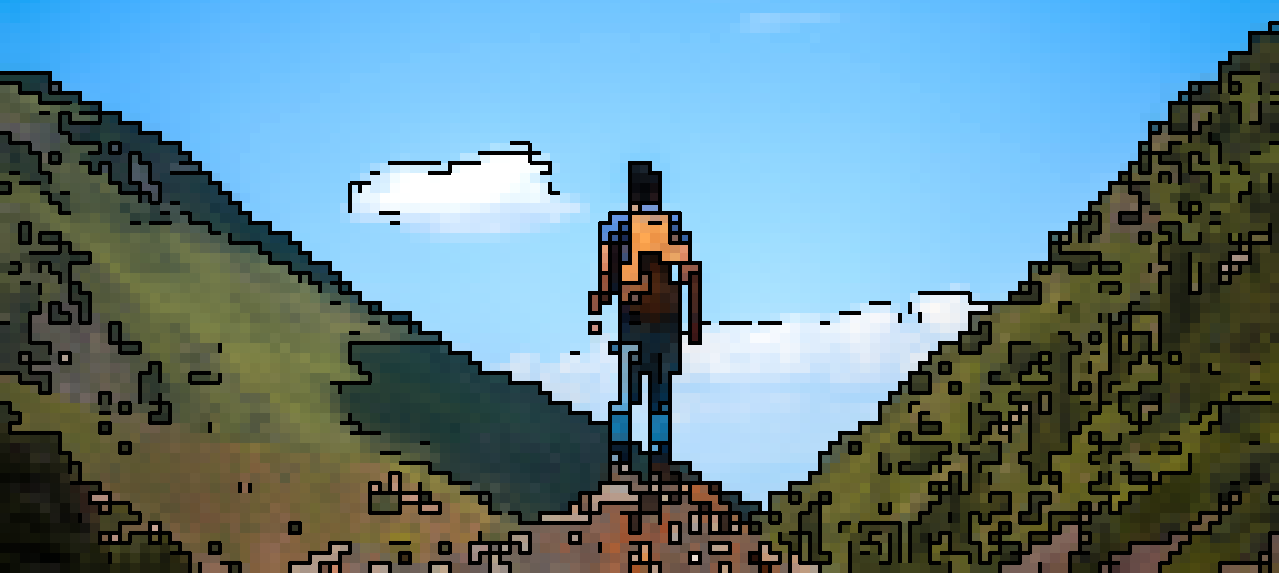
Photo2Pixel turns PNG, JPEG, and WebP photos into pixel-art-style PNG output directly in your browser. The conversion uses an ONNX model through WebAssembly, so your image stays on the page instead of being uploaded to a server.
Use Enhance Edge for sharper outlines, Isolate Pixel for a visible grid effect, or Raw Pixel for a cleaner blocky conversion. Pixel size controls how chunky the result looks, while edge density changes how much outline detail is preserved.
https://github.com/Jzou44/photo2pixel
How to use
- Upload a PNG, JPEG, or WebP photo; files up to 10MB are processed locally in the browser.
- Pick Enhance Edge, Isolate Pixel, or Raw Pixel, then adjust pixel size and edge density until the preview matches the style you want.
- Switch between the original and pixel-art preview, then download the generated PNG for avatars, thumbnails, mockups, or game-art references.
What is Photo2Pixel?
Photo2Pixel is a browser-based photo to pixel art converter for quick visual experiments, social images, UI mockups, and game-asset concepts. It reduces continuous photo detail into deliberate color blocks while preserving enough structure for the image to stay recognizable.
The output is a stylized conversion, not a hand-authored sprite sheet. For production art, inspect the edges, contrast, dimensions, and final PNG size before using it in an app, game, or published asset pack.
MCP integration
MCP (Model Context Protocol) lets AI agents and apps discover and run Coding.Tools utilities for repeatable conversions, formatting, hashing, and generation workflows.
MCP tool name: photo2pixel
MCP endpoint: https://coding.tools/mcp
Call tools/list first. Each tool entry includes inputSchema, outputSchema, and examples so an AI agent or client can build valid arguments without guessing.
For tools/call, read result.content[0].text for the display value and result.structuredContent for machine parsing. Tool-level failures return isError: true; protocol failures return a JSON-RPC error.
Example tools/call request:
curl -s https://coding.tools/mcp \
  -H "Content-Type: application/json" \
  -H "Accept: application/json" \
  -H "MCP-Protocol-Version: 2025-06-18" \
  -d '{"jsonrpc":"2.0","id":1,"method":"tools/call","params":{"name":"photo2pixel","arguments":{}}}'
This image tool is browser-only in MCP. tools/call returns isError: true plus a resource_link to the web UI instead of processing local image bytes on the server.
Most text and data tools accept an input string plus optional options. Browser-only image tools are listed for discovery and return a web UI link when they need browser image APIs.